
Features Event day
Radio announcements
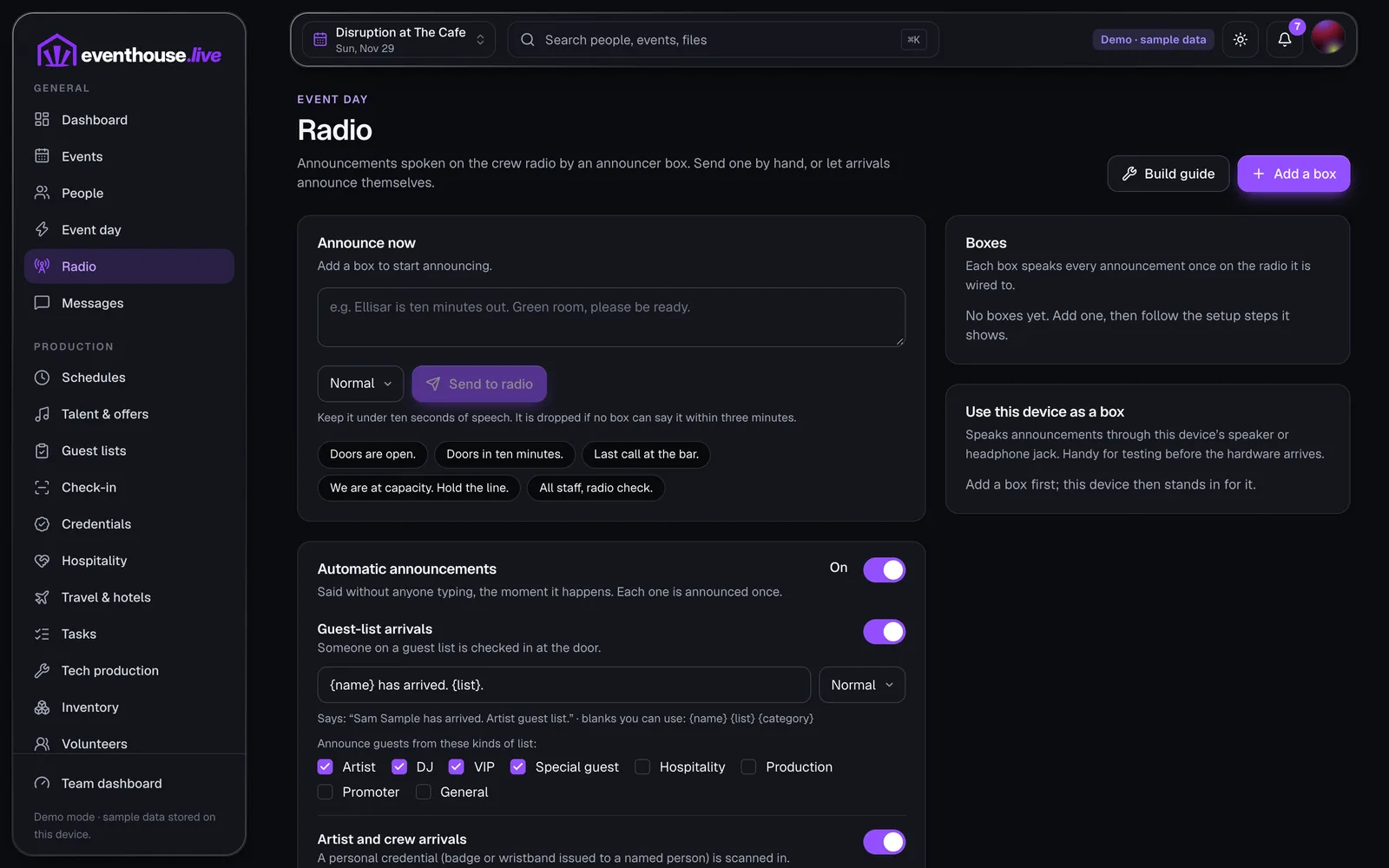
Announcements spoken aloud on your crew's two-way radio channel, typed from the app or set off by arrivals at the door.
What it does
- Type an announcement or tap a ready phrase such as “Doors are open”.
- Mark one urgent and it jumps the queue.
- Automatic announcements you can switch on and reword: guest-list arrivals, artist and crew scans, VIP tickets, reported incidents.
- A log of what was said and whether each one was spoken, skipped or failed.
- Use a laptop or phone as the speaker to try it out.
Worth knowing
A small box on your radioThe radio box is a small computer cabled to a two-way radio. It turns the text into speech and plays it on the channel. You build it from our guide.
It waits for a gapThe box listens for a quiet moment before speaking. Urgent messages wait briefly, then go out anyway.
Nothing stale goes outAn announcement that has not been spoken within three minutes is dropped.
Next
MessagesWalk through an event that is already loaded.
The demo opens EventHouse with a sample event, lineup, guest lists and budget. Nothing to install and no account needed. Changes stay on your device.